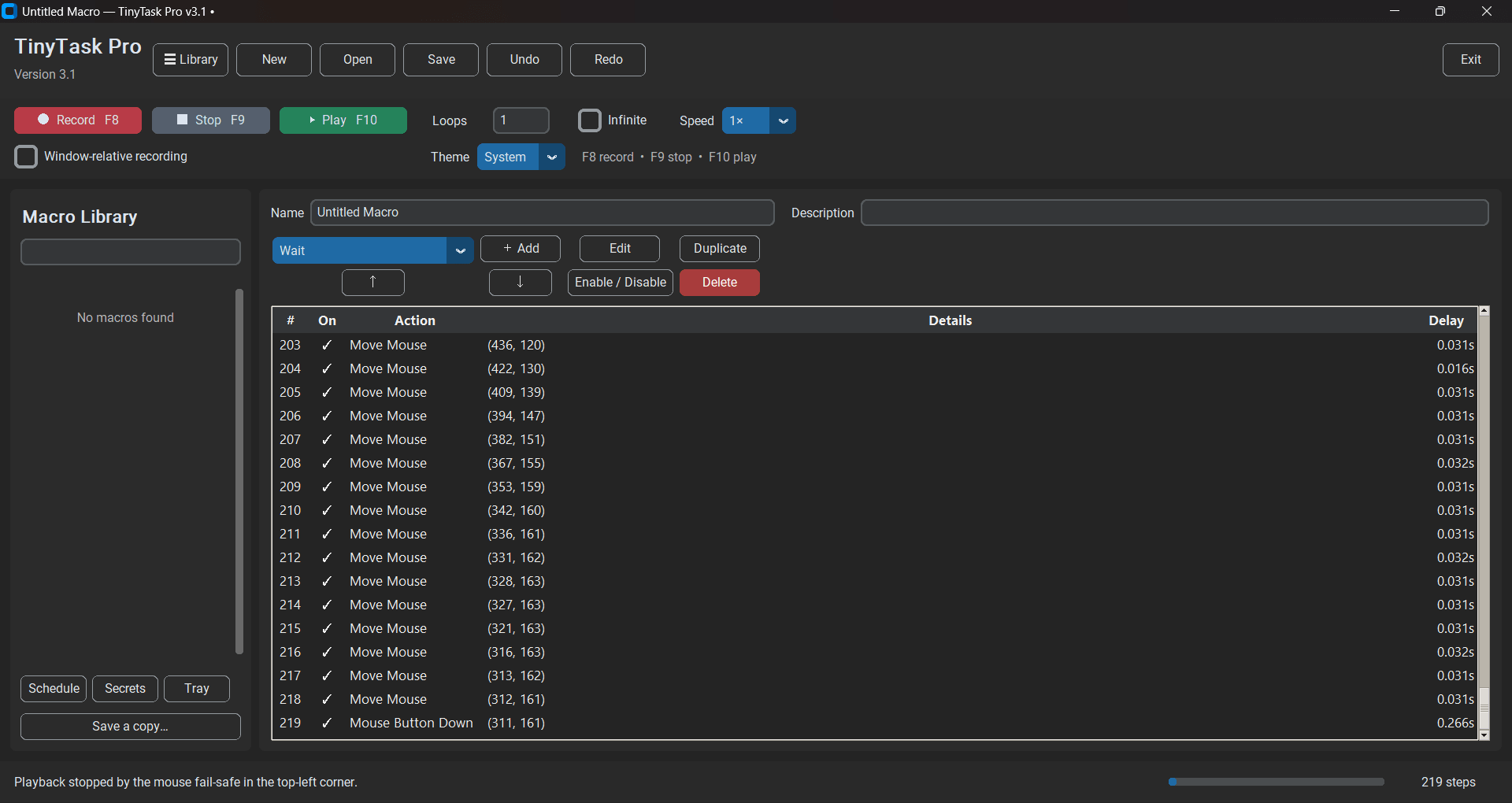
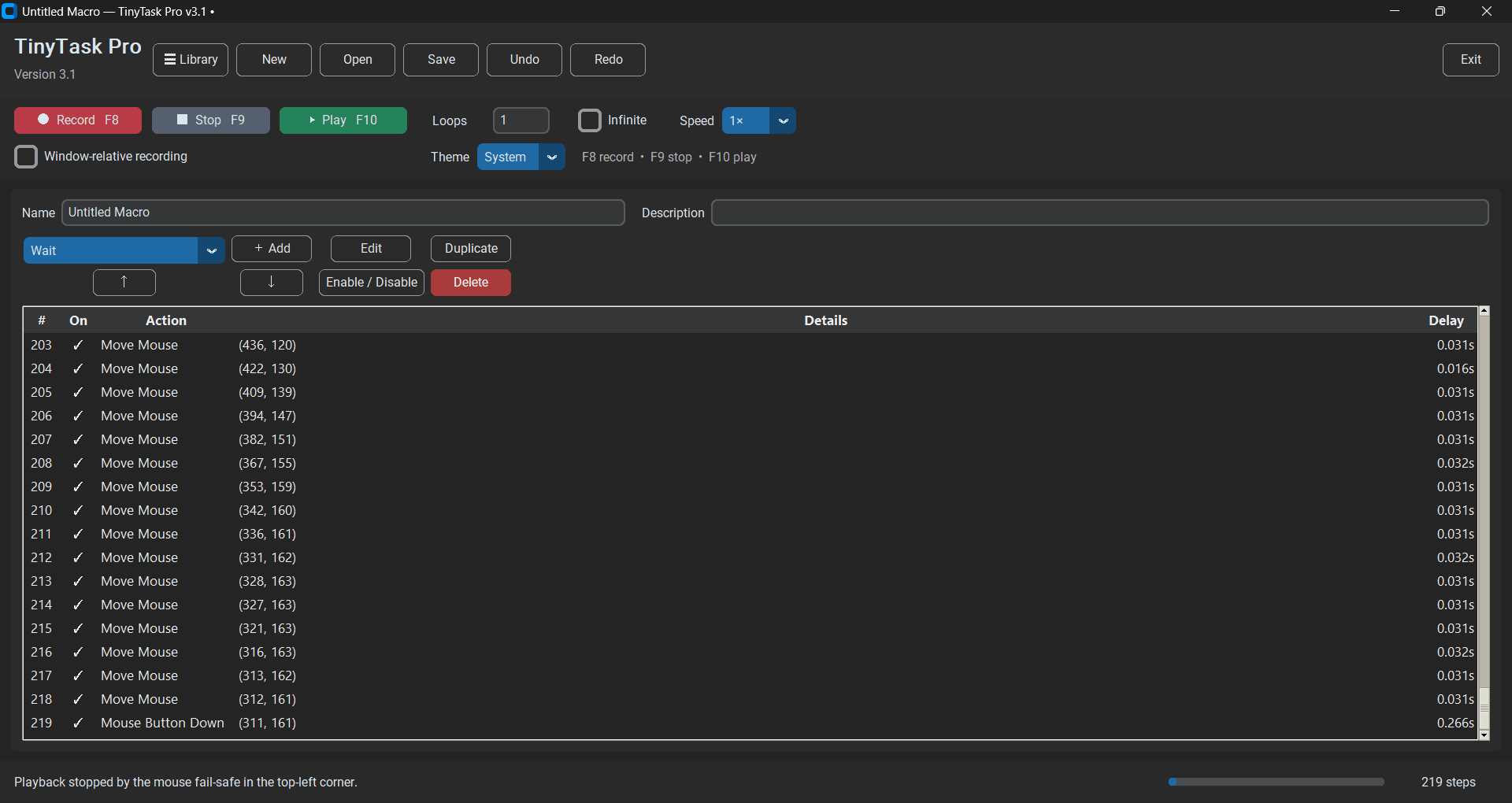
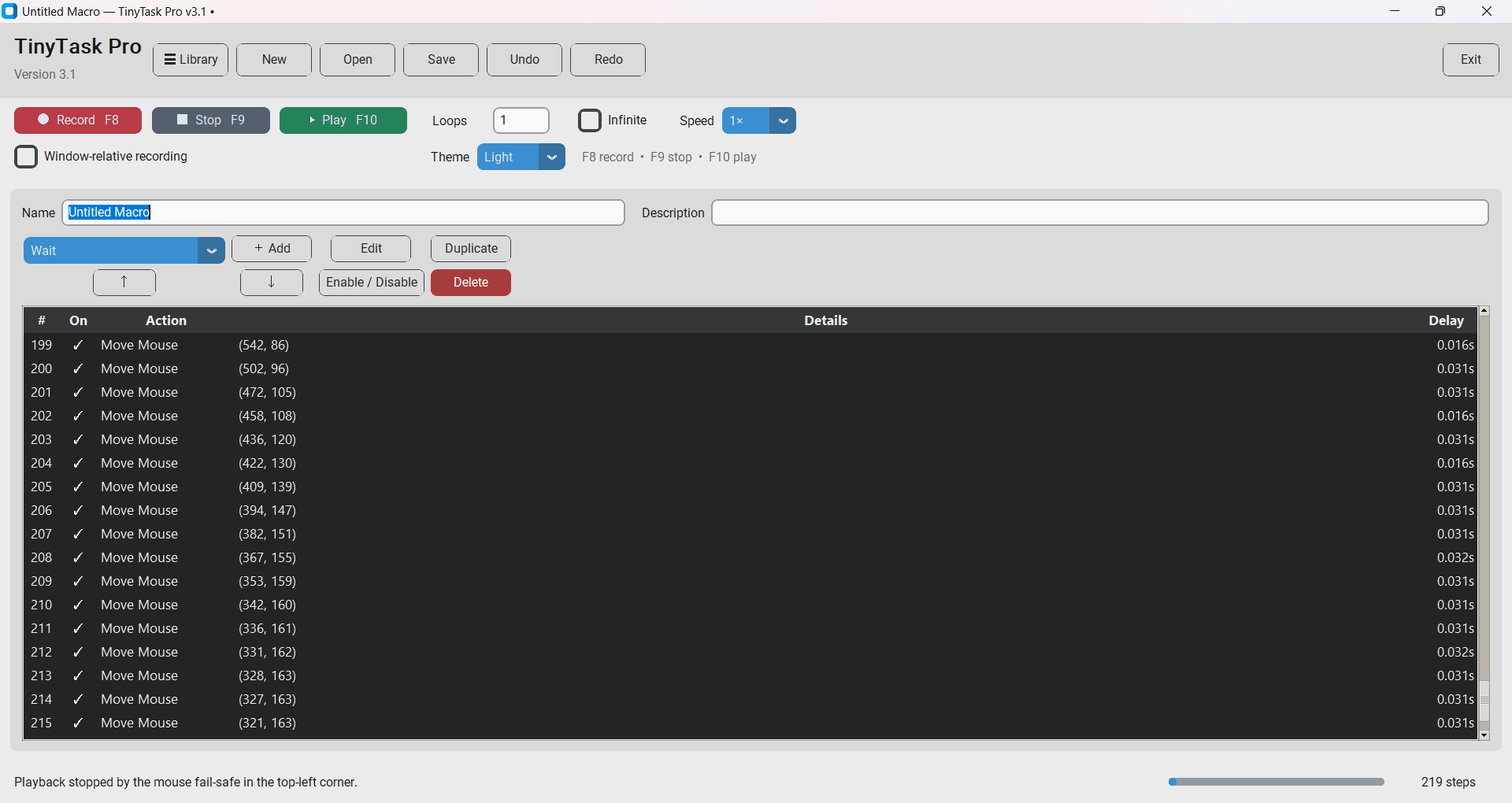
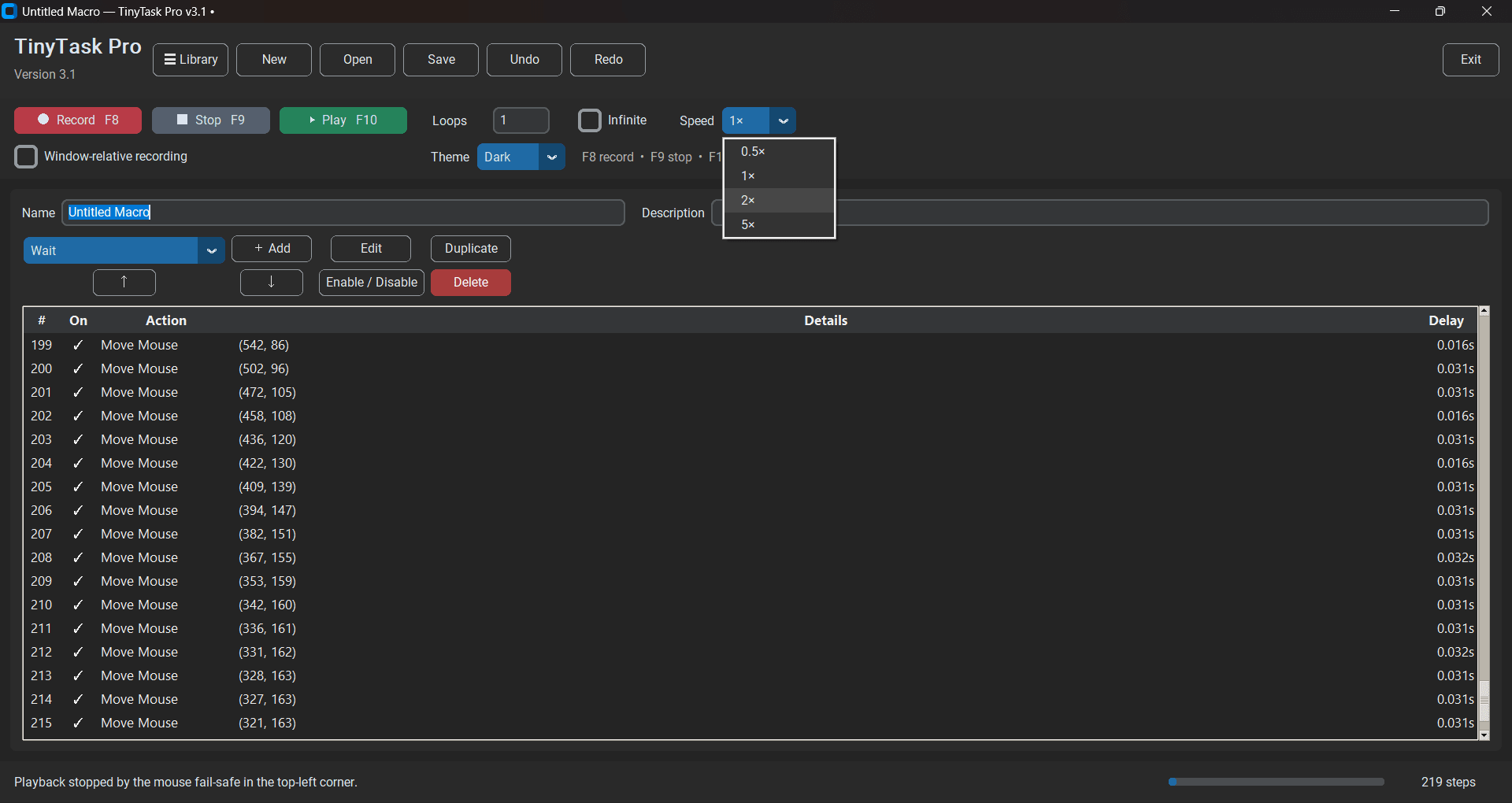
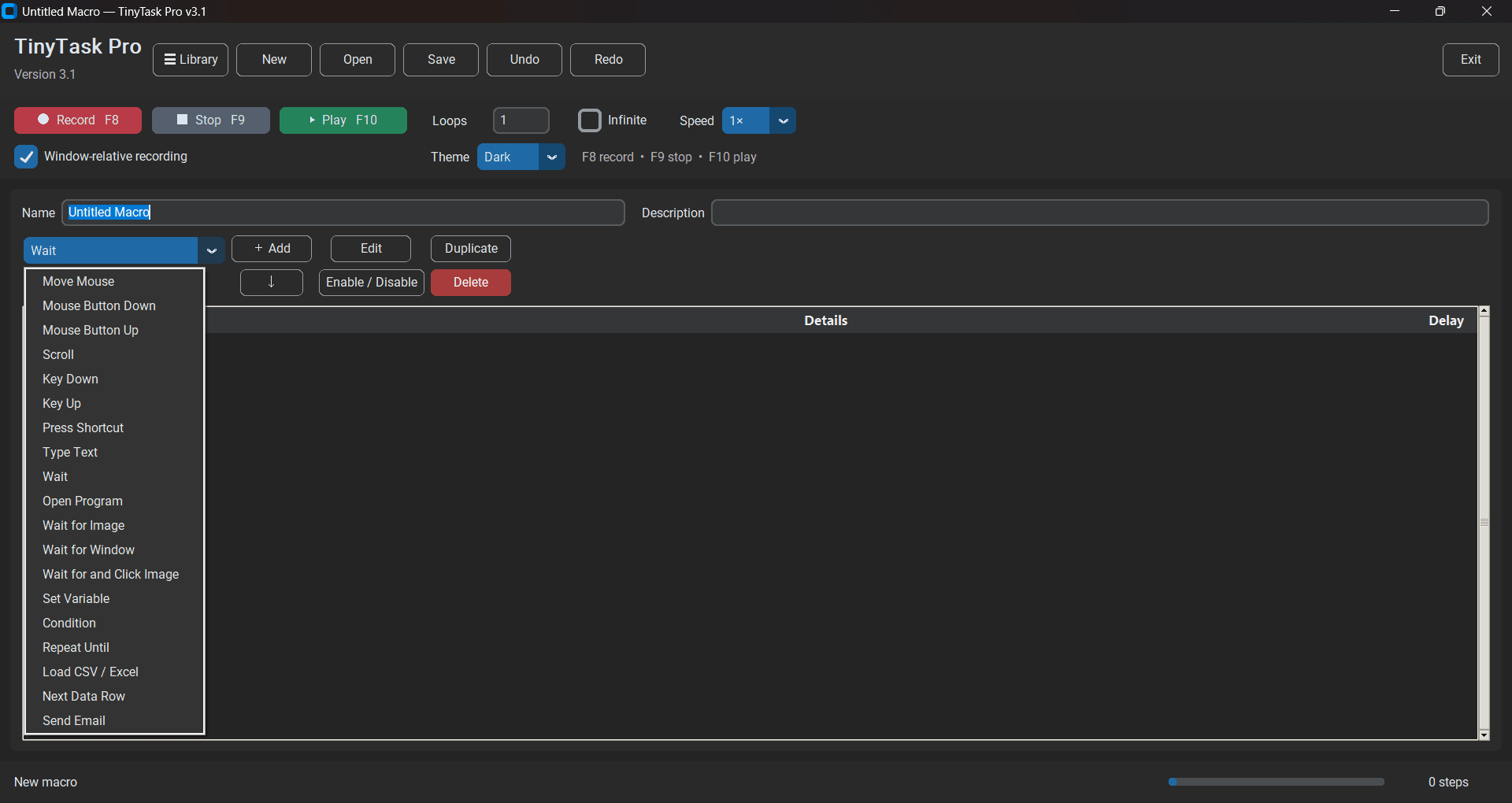
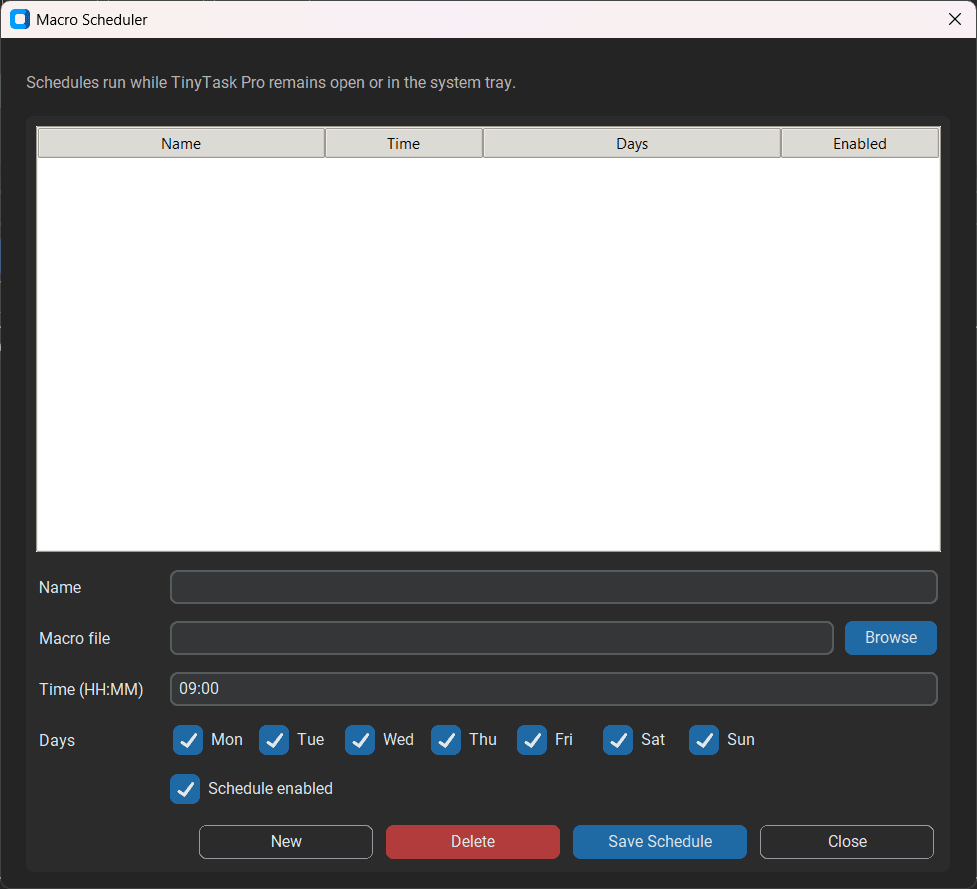
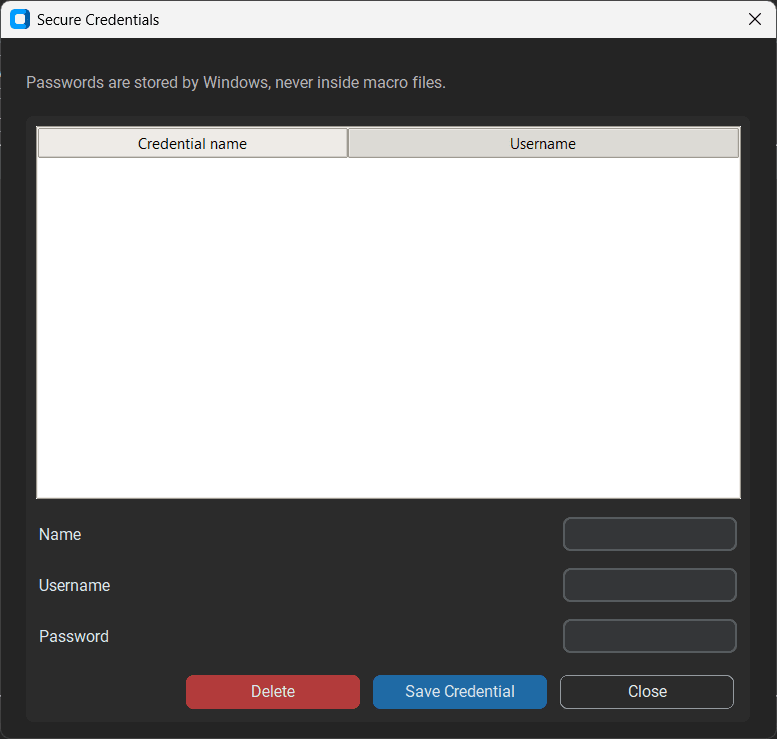
TinyTask Pro is a lightweight Windows utility that records and repeats your mouse and keyboard actions with zero programming required. If you regularly find yourself clicking through similar forms, arranging data, or executing tedious data entry, this application offers an immediate solution.
You never need coding or scripting experience to use it. The software functions simply by capturing your physical mouse movements, clicks, and keystrokes. Just press a button, perform your task once, and the program learns the exact sequence.
Loop automation and custom hotkeys
The inclusion of loop automation changes how the software handles repetitive workloads. Instead of merely playing back a recorded sequence once, you can configure the tool to repeat the action continuously until manually stopped. This becomes particularly useful for software testing or bulk data entry, letting a process run unattended without manual intervention.
Custom hotkey support further streamlines the workflow. You can map your recording and playback triggers to specific keyboard keys. This lets you start and stop automations on the fly without interacting directly with the application interface, avoiding accidental clicks that might ruin your recorded sequence.
The developer provides a completely portable build, meaning you never need to run a complex installation wizard or acquire administrator permissions. You just open the executable file directly and get straight to work.Companion browser extensions for automated emails
Where the TinyTask ecosystem truly distinguishes itself from basic macro recorders is its dedicated browser extension support. The developer offers specific Chrome extensions, notably TinyTask Mailer for Gmail and TinyTask Mailer for Outlook.
These Mailer extensions handle the web-based heavy lifting for outreach campaigns. They allow you to load lead data directly from Google Sheets, track send statuses, and automatically fire off bulk emails or repetitive responses straight through your browser. This setup serves as an effective, practical solution for marketing outreach or customer support without requiring complex enterprise software.Pricing and final thoughts
TinyTask Pro operates on a freemium licensing model, offering the core Windows desktop utility for free while requiring a paid license for the advanced browser extensions. However, since the final cost depends on the tier chosen or active promotions, you should always check the developer's official website for the most accurate terms.
By combining basic input recording with dedicated Chrome extensions for email automation, this ecosystem provides exceptional versatility. Whether you are automating simple data entry or building repetitive email outreach sequences, this highly capable solution gets the job done.